
THE INSTAGRAM SELECTS APP FOR FILMMAKERS
Turn any video into Instagram-ready stills and clips
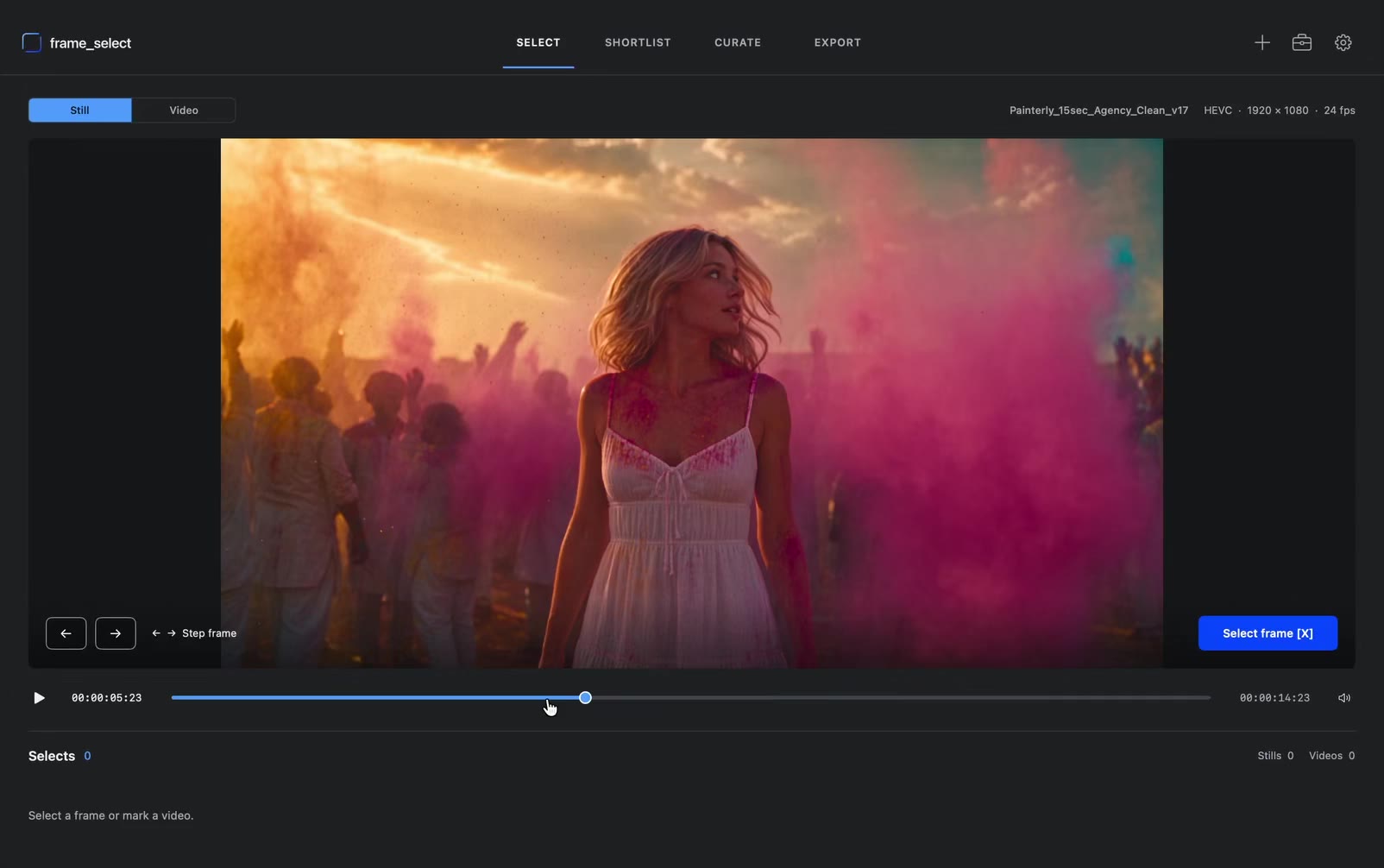
Select stills and clips for Instagram in one workflow. Export at optimal quality with perfect colour accuracy.
macOS onlyOne-time paymentNo subscription
How it works
From video file to finished post in four steps
-
 01
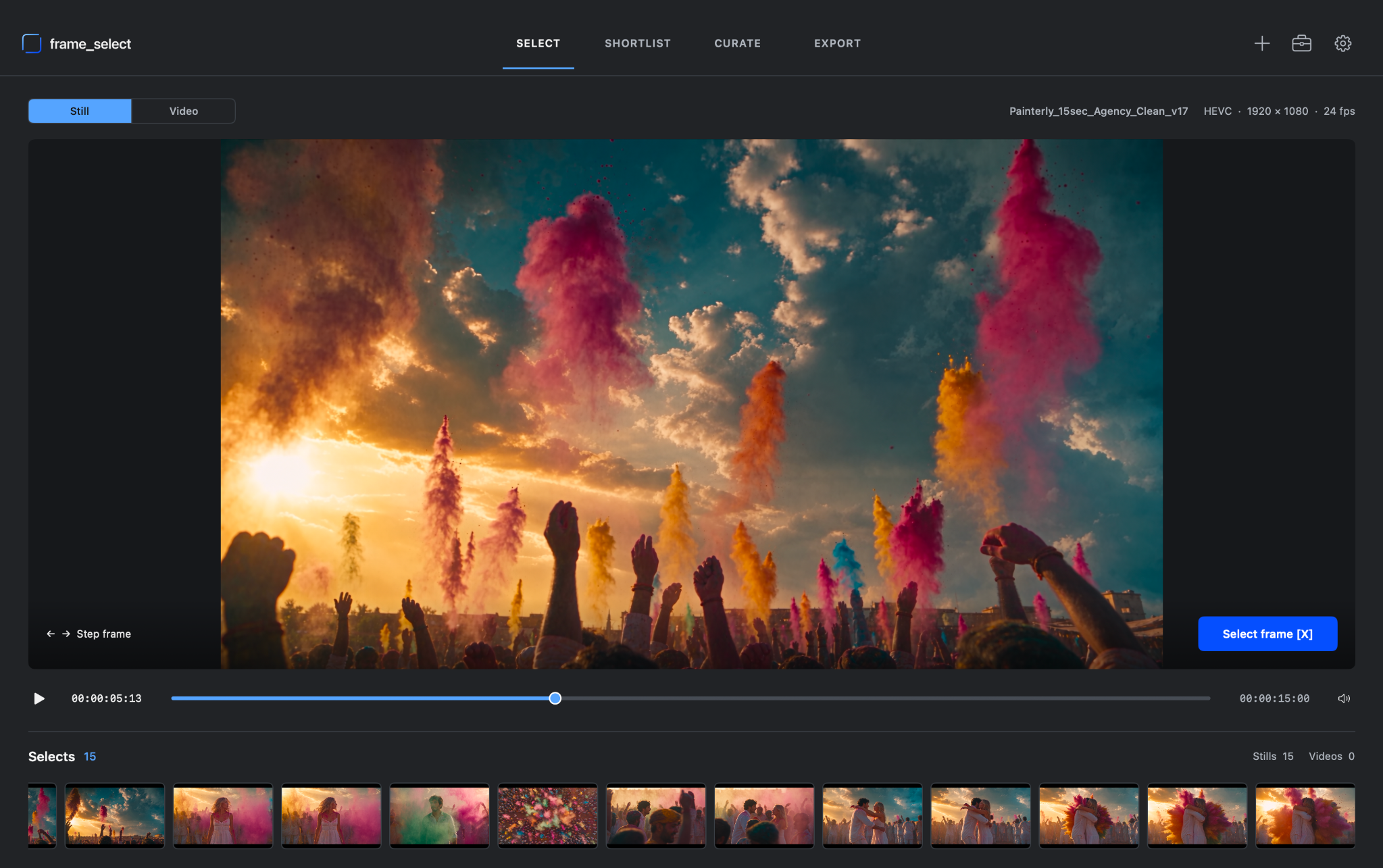
Select
Quickly mark stills and clips on the timeline, then add your selects to a shortlist.
-
 02
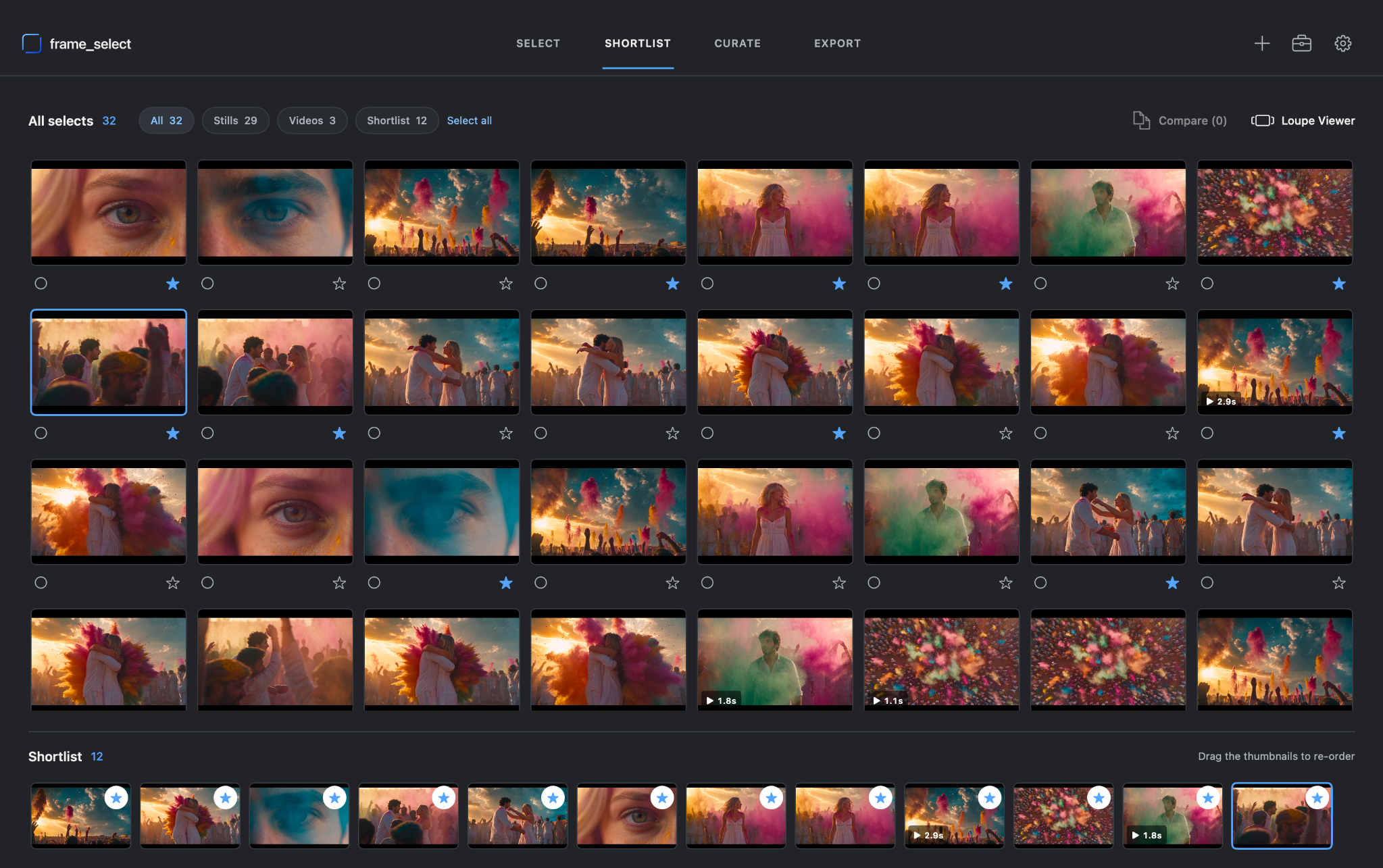
Shortlist
Compare similar frames, refine your selects, and arrange them in the order you want to post.
-
 03
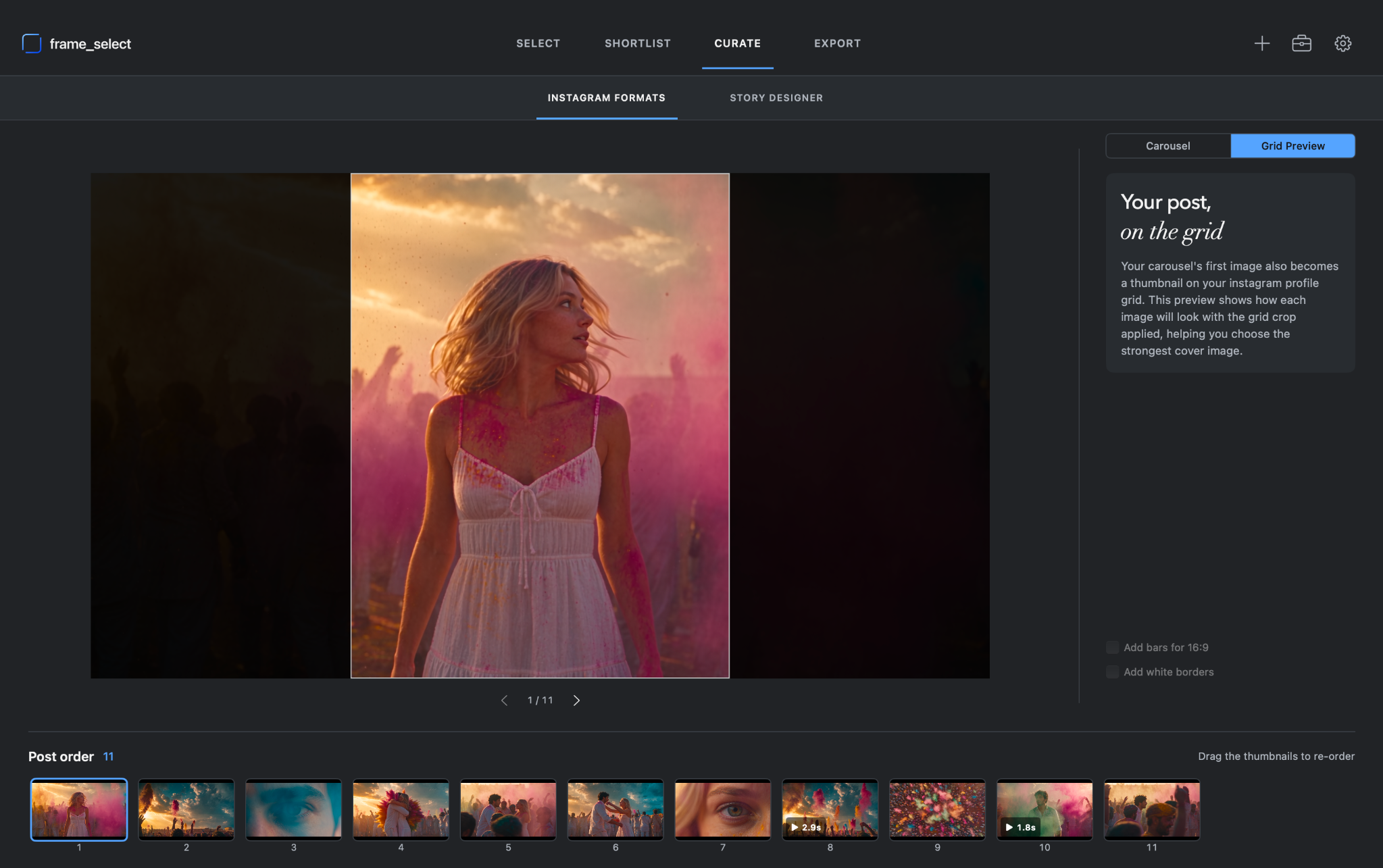
Curate
Refine the order of your selects, then check how the portrait crop will affect the image that appears on your grid.
-
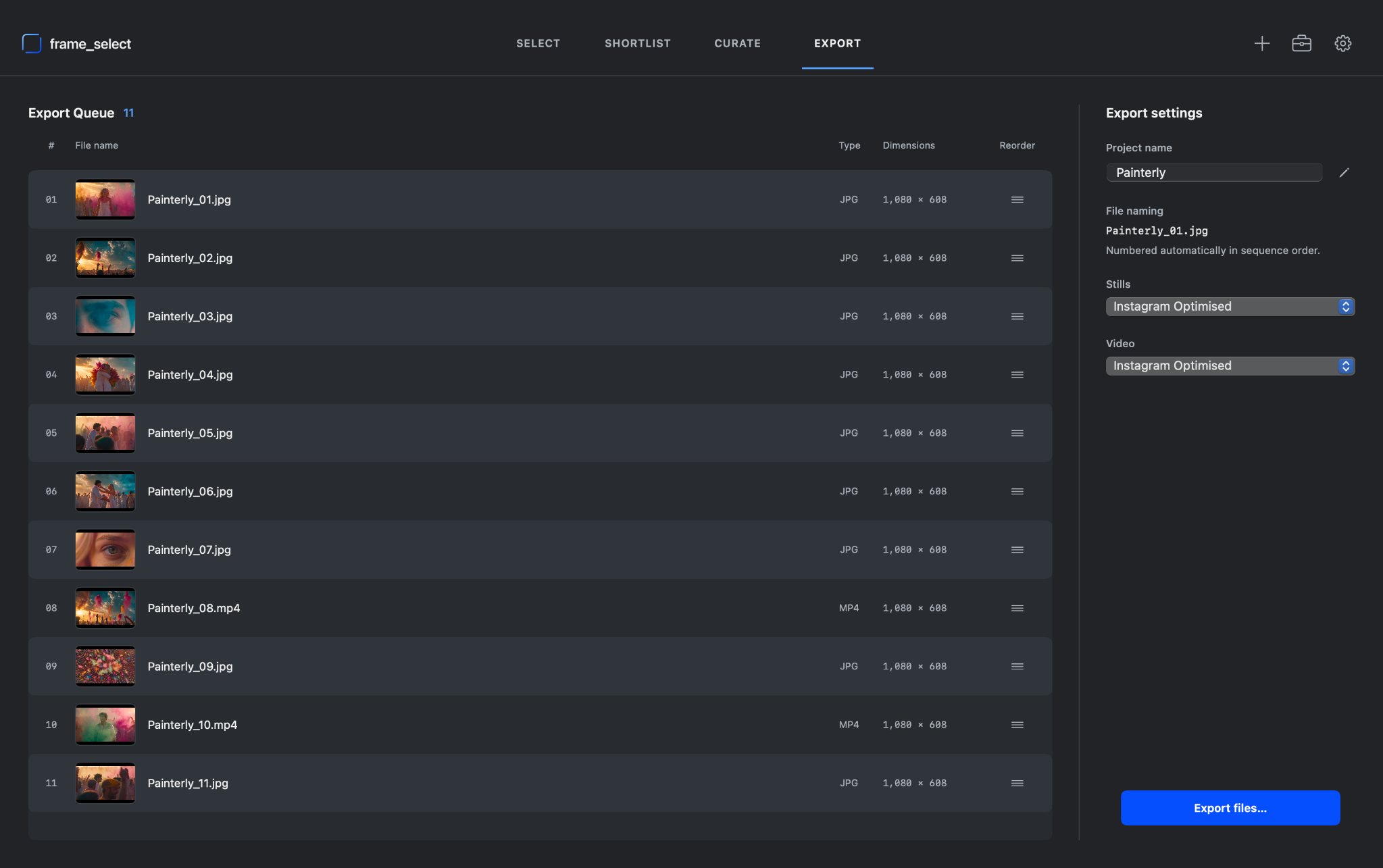 04
Export
Easily rename, and number your selects. frame_select handles the export and render settings for you.
FOR FILMMAKERS WHO CARE ABOUT EVERY FRAME
Choose your strongest frames
Intuitive tools allow you to compare similar stills, refine your shortlist, and select the frames that best represent your work

No surprises
Know how your post will look before you share it
See how each still will look as your carousel cover and in your profile grid. Export at the native aspect ratio, or add borders to fit a 16:9 frame.
FOR INSTAGRAM STORIES
Create Stories from your stills and clips in seconds
Position, scale and crop each still or clip. Add borders or backgrounds, then fine-tune the layout before export.

What people say
“It's transformed how I pull stills and clips. A tedious process once tied to the colour suite is now quick and easy, wherever I am. For anyone who cares how their work looks online, this is essential.”

BATCH RE-NAMING AND COLOUR ACCURACY
Your work should still look like your work
frame_select keeps every export colour-accurate and optimised for Instagram and online, while batch re-naming gets your stills and clips organised and ready to post in seconds.
Introductory Offer
£14.99per Mac
Pay once and get a lifetime licence. No subscription.
Buy for £14.99One-off payment · No subscription
- One-time payment
- One licence for one Mac
- Lifetime use
- No subscription
- Native macOS app
- Free updates
FAQ
frame_select is built for filmmakers and creative professionals who care about how their work looks online.
It brings the entire process of pulling stills and video clips from a master file into one simple workflow — without jumping between multiple apps, second-guessing colourspace settings, or heading back into the colour suite just to make an export you trust.
We built frame_select after hearing the same frustrations again and again from Directors, DPs, Colourists, VFX Artists and other creatives: the process was fiddly, fragmented and taking far too long.
So we simplified it.
frame_select gives you all the tools you need to select, refine and prepare your work in one place, while handling colour, resolution and render settings automatically under the hood.
The result is a faster, cleaner way to obsess over the frames that matter.
No. During our introductory period, frame_select is £14.99 as a one-off purchase. Keep the major version you buy forever. Updates within that major version are free; future major versions may cost extra.
Your video files and exports stay on your Mac unless you choose to share them. Internet access is used for licence activation, periodic licence validation and checking for app updates. Your activated app continues working during temporary server outages.
Each licence covers one Mac.
Yes. Deactivate your licence on your old Mac from the Licence window, then activate it on your new Mac. If you no longer have access to your old Mac, contact us for help.
Please do. We’re a small team building frame_select because we genuinely care about making this process better. If an idea makes sense and is feasible, we’ll seriously consider it for a future update.
frame_select 1.0 requires macOS 14 Sonoma or later and supports both Apple silicon and Intel Macs.
Updates within the major version you purchased are free. Future major versions may cost extra. Your licence for the version you bought remains perpetual.
Still have a question? Contact us